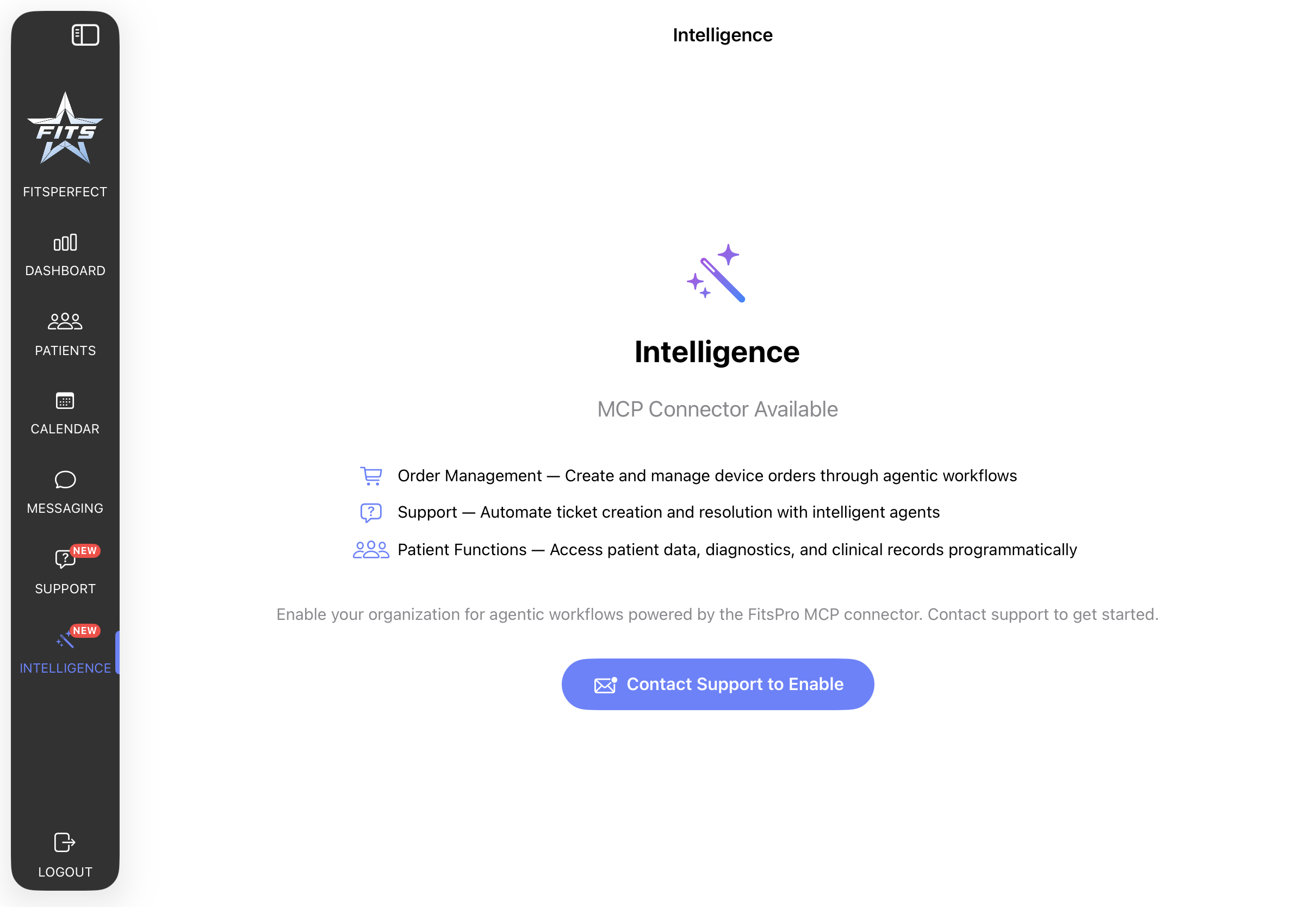
Connect FitsPro to Claude Desktop, Claude Code, or any MCP-aware client. The connector exposes a practitioner-scoped tool catalog — orders, patient summaries, clinical notes, support tickets — behind OAuth2, with the same role model the iPad app uses.
The connector exposes the operations a practitioner most often automates. Each call returns data filtered by the authenticated practitioner's role — managers and administrators see org-wide data; practitioners see their own.
get_order_status Status per device on an order, by order ID or patient name.
get_recent_order_for_patient Most recent device request for a given patient.
list_orders Rolling 14-day window of orders scoped by practitioner role.
cancel_order Cancel a processing, pending, or received device request.
reorder Clone a prior order as a new device request.
patient_summary Full clinical record: diagnostics, notes, conditions, devices, appointments, encounters.
get_patient_clinical_notes Clinical-note text and metadata.
list_tickets Tickets filtered by status (open / inProgress / resolved / closed).
open_ticket Open a new support ticket from an agent surface.
update_ticket Append a message to an existing ticket.
close_ticket Close a resolved ticket.
The catalog reflects the current server implementation; new tools are added as the iPad app grows.
Authentication flows through Cognito OAuth2 (authorization-code grant). On each tool call, the server resolves the practitioner identity from the access token, fetches their role group(s), and filters every query to what that role is permitted to see — never broader than what the same user would see inside the iPad app.
Tokens expire on the normal Cognito schedule. There are no long-lived service accounts; every connection is a real user.
Add the FitsPro entry to your Claude Desktop configuration and authorize once. The same pattern works for Claude Code and any other MCP client that supports OAuth-authenticated HTTP transports.
{
  "mcpServers": {
    "fitspro": {
      "url": "https://mcp.fitsamerica.com",
      "transport": "http"
    }
  }
}
On first connection, the client opens an authorization page; sign in with your FitsPro practitioner account. The grant persists until you revoke it from the admin portal.
The connector activates with your FitsPro practitioner account. No separate registration; no separate billing.