01
Capture
3D foot scans, on iPad.
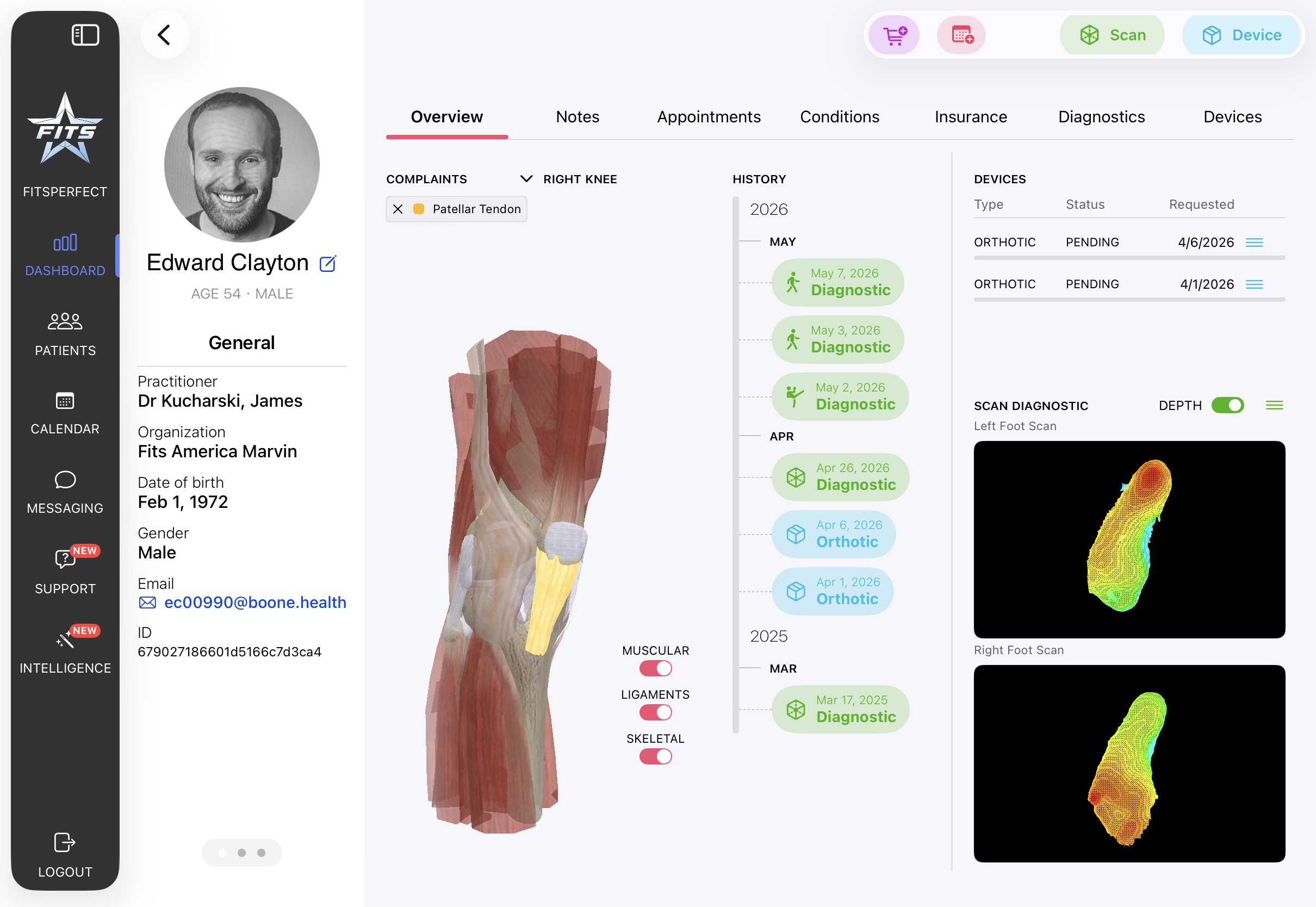
Structure Sensor capture with real-time mesh. Left and right foot in under two minutes per side. No outsourced lab, no plaster, no shipping.
Scan & Design3D foot capture, AI-assisted orthotic design, gait and posture diagnostics, and insurance-ready documentation — without leaving the room with your patient.
 NPI required to register
Structure Sensor capture with real-time mesh. Left and right foot in under two minutes per side. No outsourced lab, no plaster, no shipping.
Scan & DesignChoose covers, accommodations, shell modifications. Or describe the change in plain language — AI-assisted suggestions update the form, with the practitioner approving every choice.
See IntelligenceDiagnostic PDFs, clinical notes, and a Letter of Medical Necessity generator that assembles cover letter, exhibits, and HCPCS / diagnosis codes for payer submission.
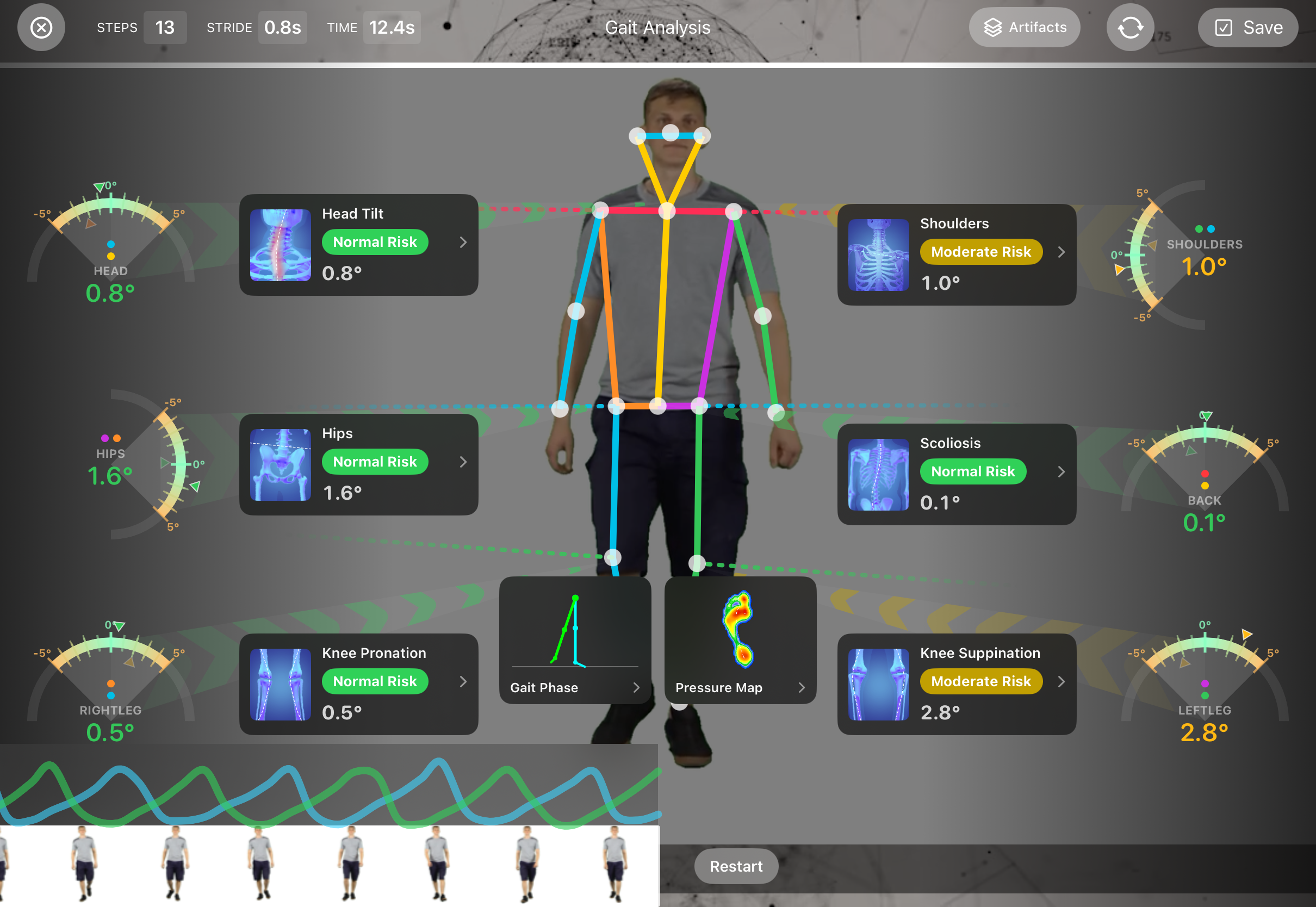
DocumentationEach diagnostic produces a risk-graded PDF the patient can take home and the practitioner can attach to a Letter of Medical Necessity. Plantar pressure is estimated from video; the practitioner remains the clinical decision-maker.
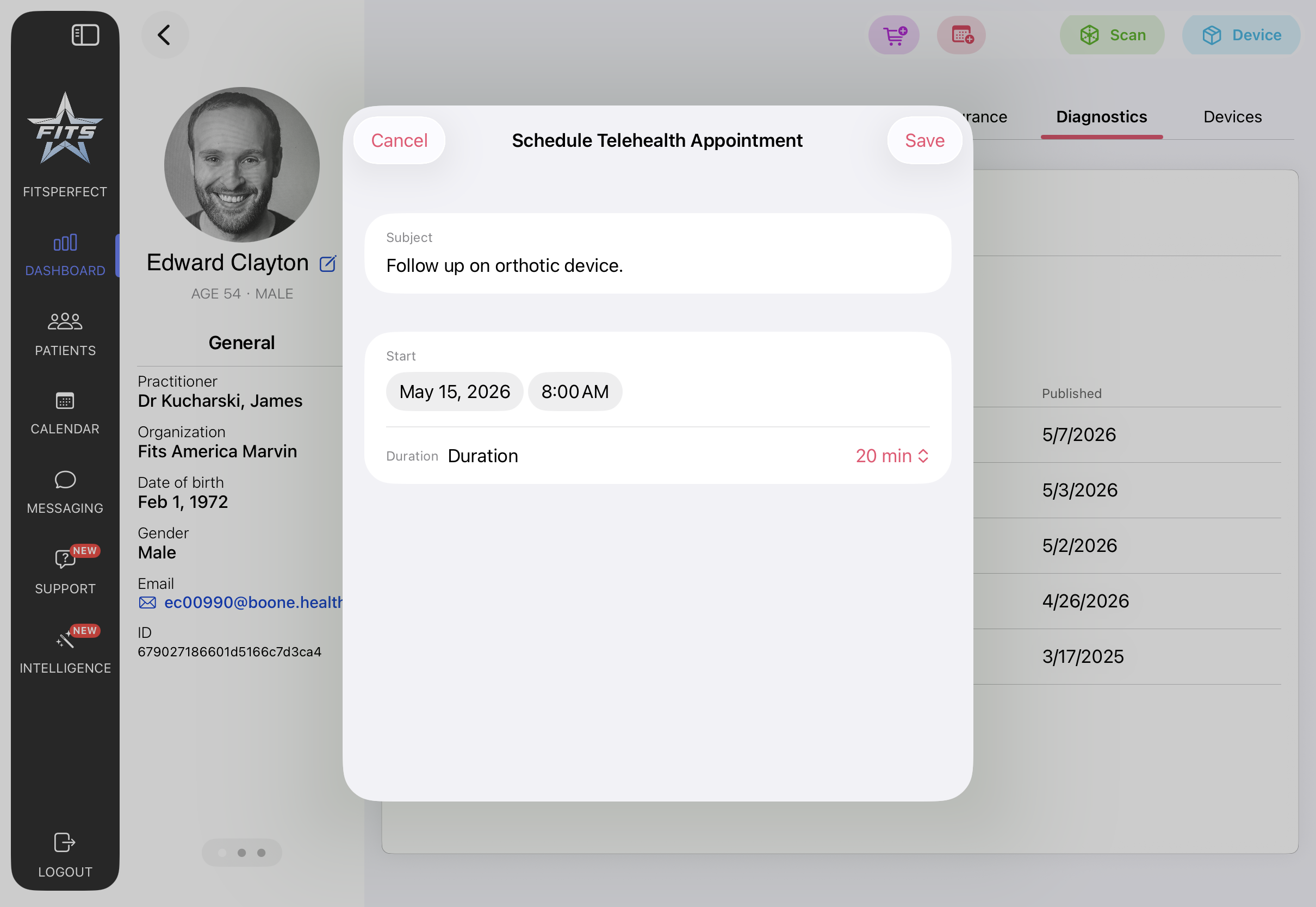
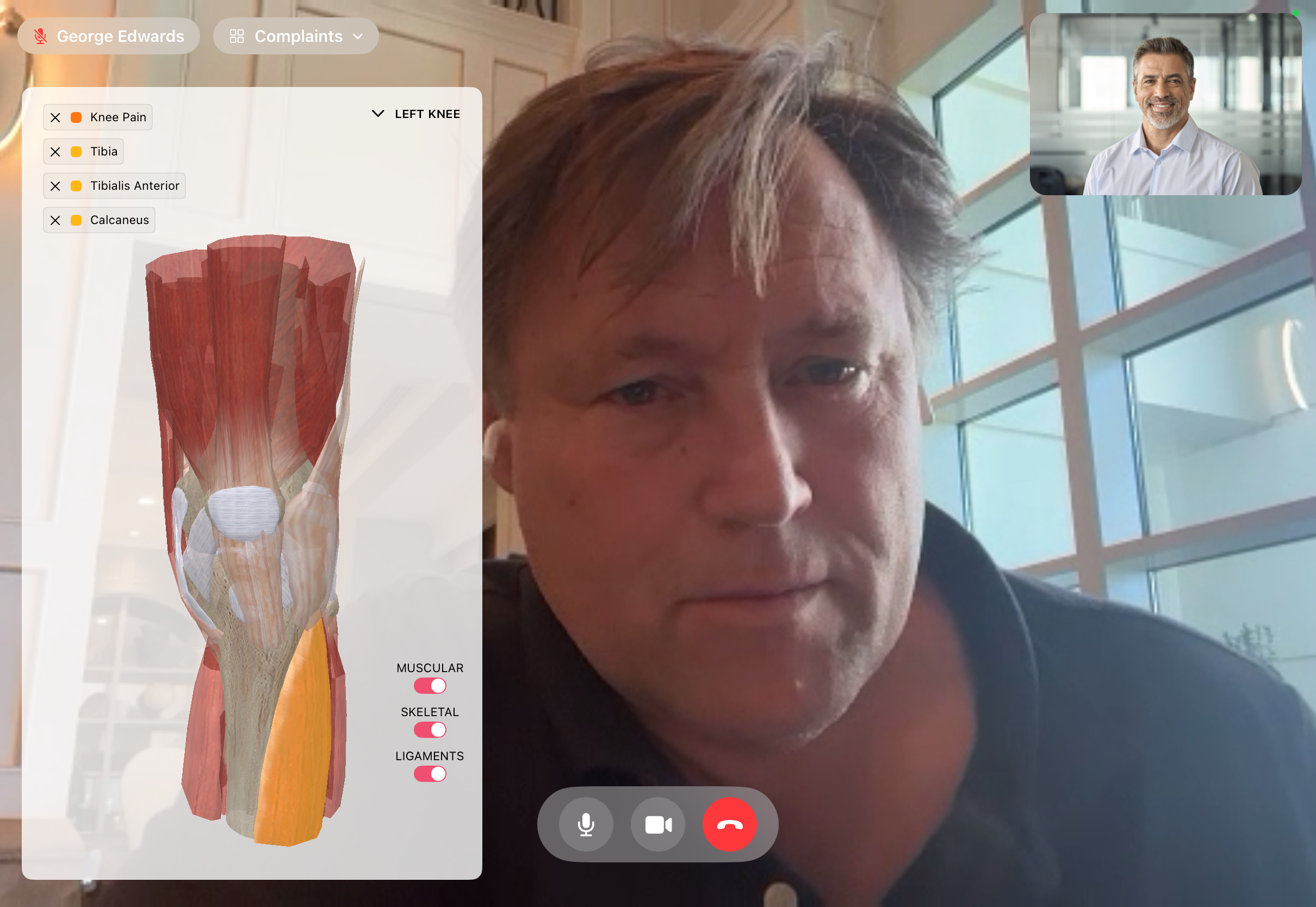
Schedule from the patient record. Take the call without leaving FitsPro. The patient's documented complaints and an anatomical view stay on screen — you're talking to the patient, not the chart.
Embedded video sessions. Findings flow straight back into the patient record. The same iPad that captures 3D foot scans handles the follow-up call when an in-person visit isn't needed.
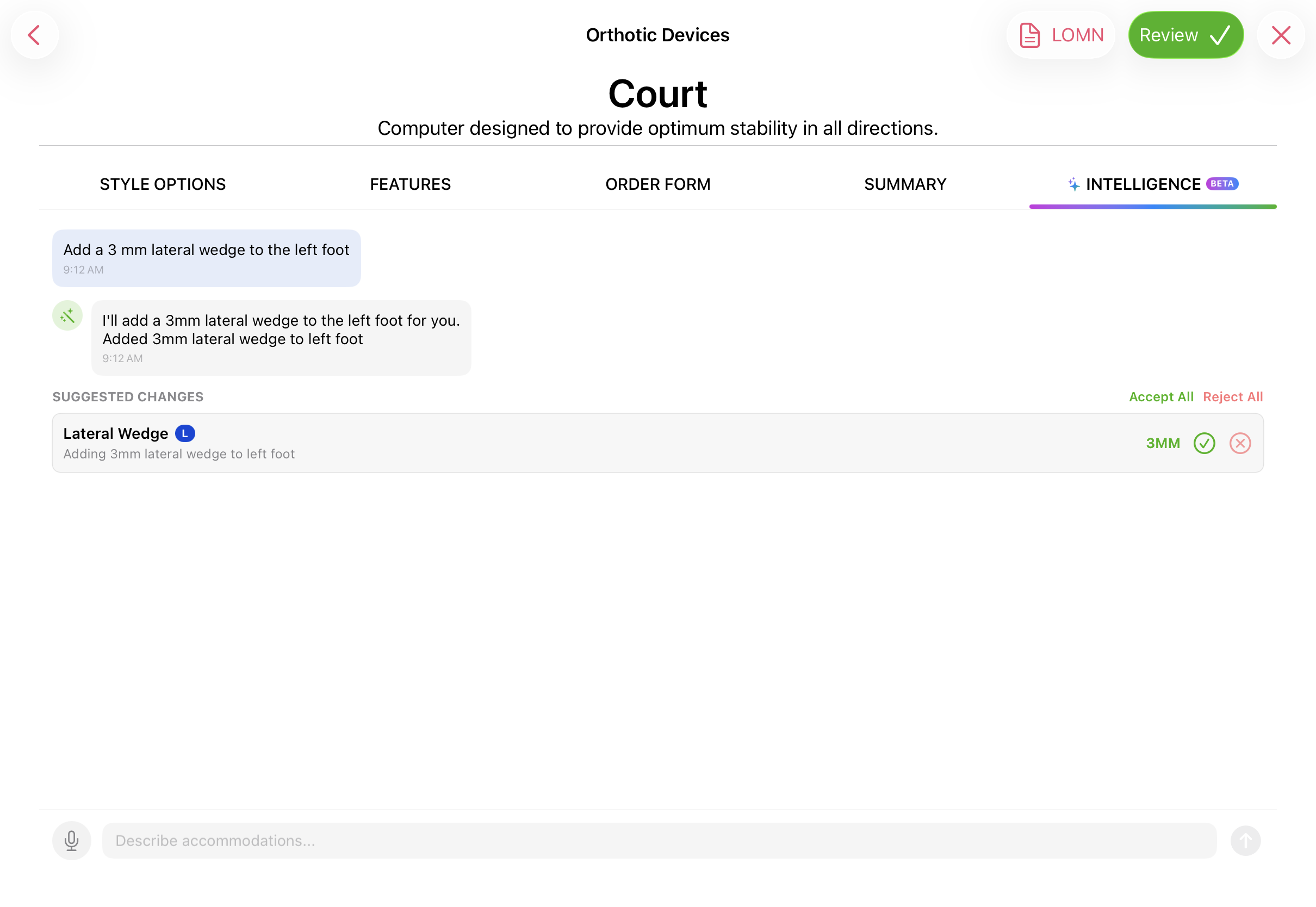
"Add a 3mm lateral wedge to the left foot." The Intelligence panel interprets practitioner intent and proposes form changes, each requiring an explicit accept. The practitioner remains the clinical decision-maker.
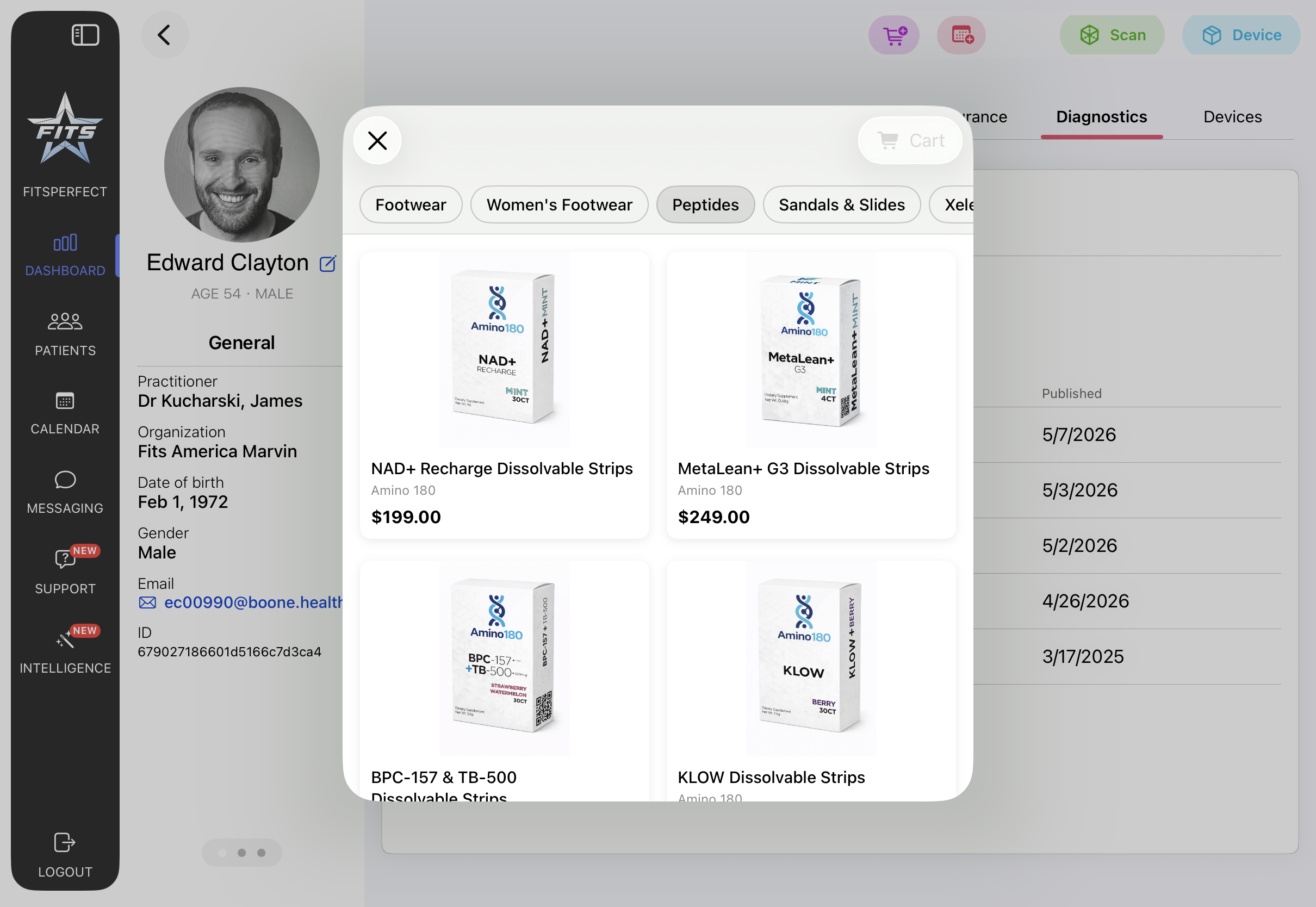
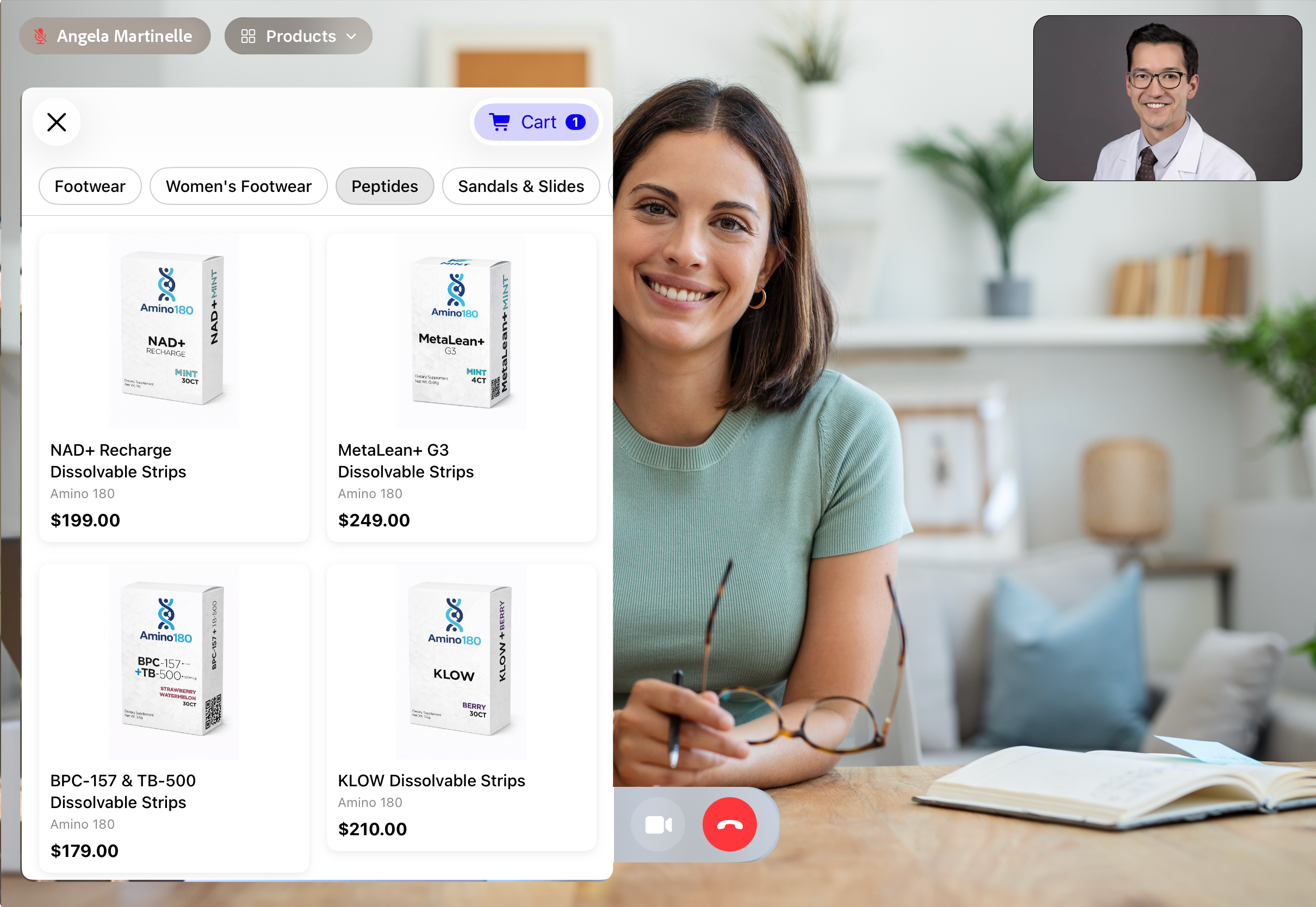
In-clinic or in a telehealth session, the practitioner pulls up a curated product catalog — footwear, peptides, sandals, accessories — and walks the patient through what's recommended. The patient sees exactly what the practitioner is showing, in real time.
Check out on the patient's side of the call when they're ready. Or send an emailed cart link to complete the purchase later, on their own time.
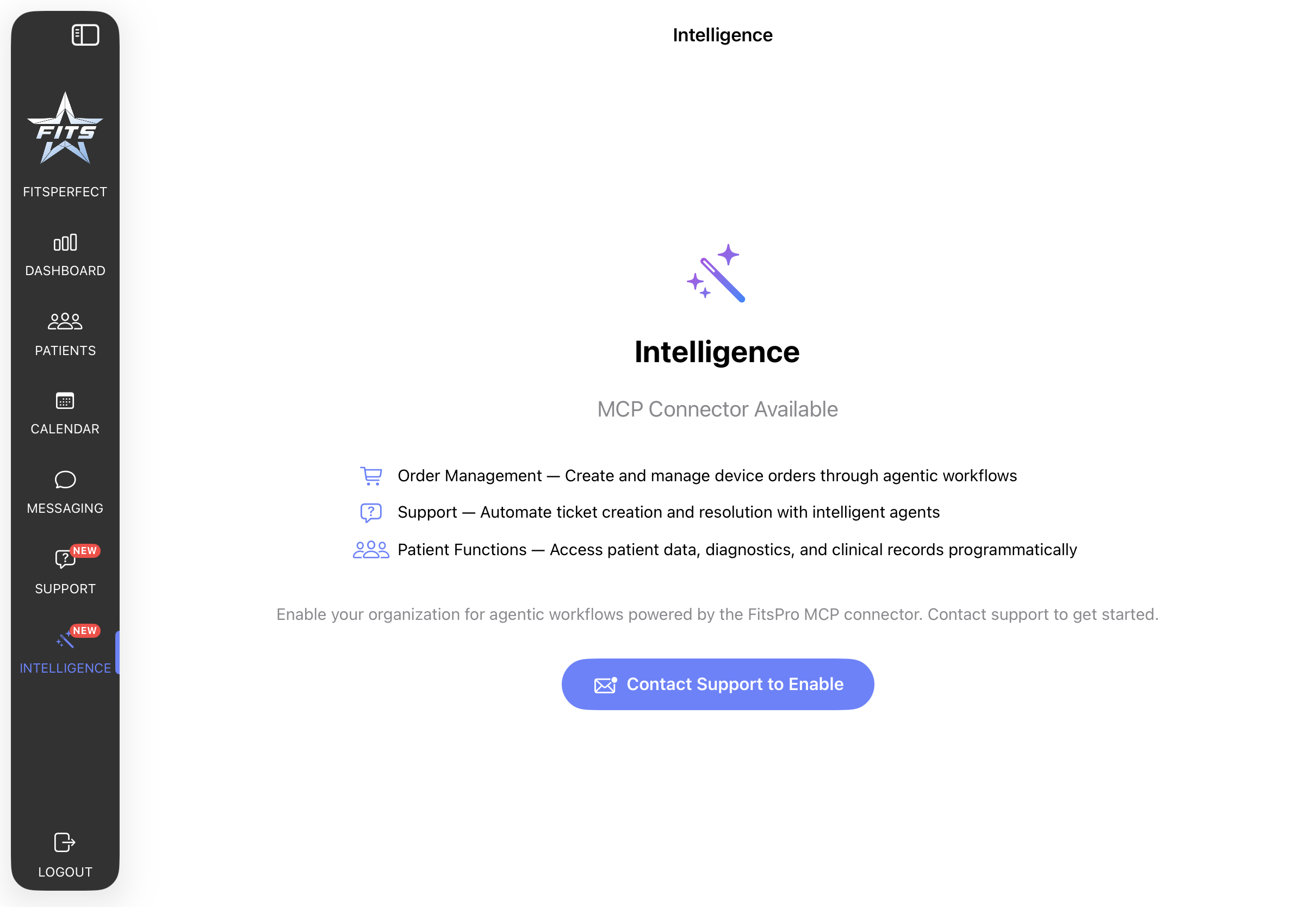
Connect FitsPro to Claude Desktop, Claude Code, or any MCP-aware client. The connector exposes practitioner-scoped tools — behind OAuth2, scoped to the signed-in practitioner, with the same role model the iPad app uses.
Patient, Practitioner, Organization, Encounter, DeviceRequest — every record in FitsPro maps to a standard FHIR resource. Bring your own EHR or EMR; we read from and write to a data shape your existing systems already speak.